
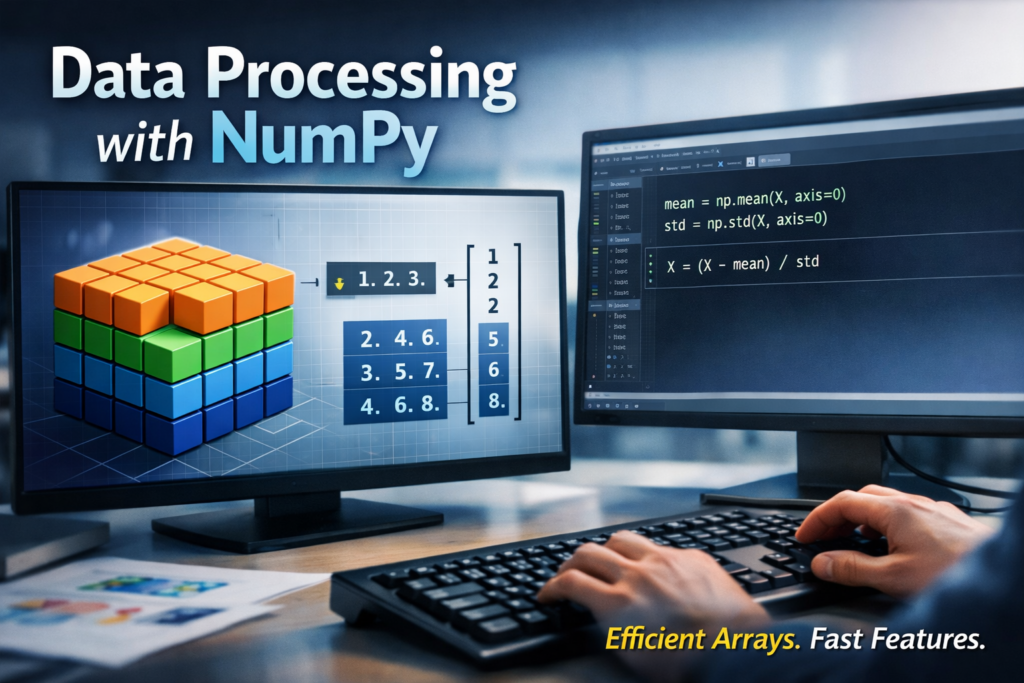
Before any Machine Learning model, dashboard, or analytics pipeline is built, data must be processed and transformed efficiently.
At the heart of almost every Python-based data workflow lies NumPy.
NumPy provides:
High-performance numerical computation
Powerful multi-dimensional arrays
Vectorized operations (no slow Python loops)
The foundation for Pandas, SciPy, Scikit-learn, TensorFlow, and PyTorch
For students of Data Science, Machine Learning, AI, and Automation, mastering NumPy is non-negotiable.
This article explains how NumPy is used for Data Processing and Feature Engineering, with clear concepts and practical relevance.
What is NumPy?
NumPy (Numerical Python) is a Python library designed for fast and efficient numerical computation.
Key strengths:
Homogeneous multi-dimensional arrays (
ndarray)Optimized C-based implementation
Mathematical, statistical, and linear algebra functions
Memory-efficient data representation
Unlike Python lists, NumPy arrays are:
Faster
Smaller in memory
Designed for numerical workloads
NumPy Arrays: The Core Data Structure
The backbone of NumPy is the ndarray (N-dimensional array).
Characteristics:
Fixed data type (int, float, etc.)
Can be 1D, 2D, 3D, or higher
Stored contiguously in memory
Why arrays matter in data processing:
Enable bulk operations
Ideal for matrix-based ML algorithms
Allow fast transformations on entire datasets
Example use cases:
Feature matrices (X)
Target vectors (y)
Image pixels
Time-series values
NumPy vs Python Lists (Why NumPy Wins)
| Feature | Python List | NumPy Array |
|---|---|---|
| Speed | Slow (loops) | Very fast (vectorized) |
| Memory | High overhead | Compact |
| Math ops | Manual loops | Built-in |
| ML suitability | Poor | Excellent |
In feature engineering, where millions of values are transformed repeatedly, NumPy is dramatically faster.
Vectorized Operations (The Real Power)
Vectorization means operating on entire arrays at once, instead of looping element by element.
Benefits:
Cleaner code
Massive speed improvement
Less error-prone
Examples of vectorized tasks:
Scaling features
Normalizing values
Applying mathematical transformations
Encoding numerical features
 Rule of thumb:
If you are writing for loops over data → you probably should be using NumPy.
Broadcasting: Smart Array Alignment
Broadcasting allows NumPy to perform operations on arrays of different shapes without copying data.
Why broadcasting matters in feature engineering:
Apply mean subtraction
Normalize features column-wise
Scale rows or columns efficiently
Example scenarios:
Subtracting feature means
Dividing by standard deviation
Applying weights to features
Broadcasting makes feature scaling elegant and fast.
Data Cleaning with NumPy
Real-world data is messy. NumPy helps with:
Handling missing values
np.nannp.isnan()np.nanmean(),np.nanstd()
Removing invalid values
Boolean masking
Conditional filtering
Replacing values
Clipping outliers
Threshold-based replacements
This is often the first step before Pandas or ML models.
Statistical Feature Engineering
NumPy provides built-in statistical functions essential for feature creation:
Mean, median, variance
Standard deviation
Min / max
Percentiles
Common engineered features:
Normalized values
Z-scores
Log-transformed features
Rolling statistics (with arrays)
These features improve:
Model convergence
Accuracy
Interpretability
Shape Manipulation & Reshaping
Feature engineering often requires reshaping data.
NumPy supports:
reshapeflattentransposestackandsplit
Why this matters:
ML models expect data in
(samples × features)formatCNNs require multi-dimensional tensors
Time-series models need windowed data
Efficient reshaping ensures correct model input.
NumPy in the Machine Learning Pipeline
NumPy plays a role at every stage:
Raw numerical data loading
Cleaning & filtering
Feature scaling & transformation
Feature matrix creation
Model input preparation
Even when using:
Pandas
Scikit-learn
TensorFlow
PyTorch
Everything eventually becomes a NumPy array
Best Practices for Students
 Prefer vectorized operations Avoid Python loops on data Understand array shapes deeply Use broadcasting wisely Combine NumPy with Pandas (best of both worlds)
NumPy is not just a library — it is the numerical foundation of Python’s data ecosystem.
For Data Processing and Feature Engineering, NumPy offers:
Speed
Efficiency
Mathematical power
Scalability
If students master NumPy early, every advanced topic becomes easier — from Pandas to Machine Learning to Deep Learning.
At Dezlearn, we strongly recommend mastering NumPy before moving into ML and AI pipelines — it’s the skill that quietly powers everything.
Happy Learning!